Back to Blog

Changing the font size on your receipts

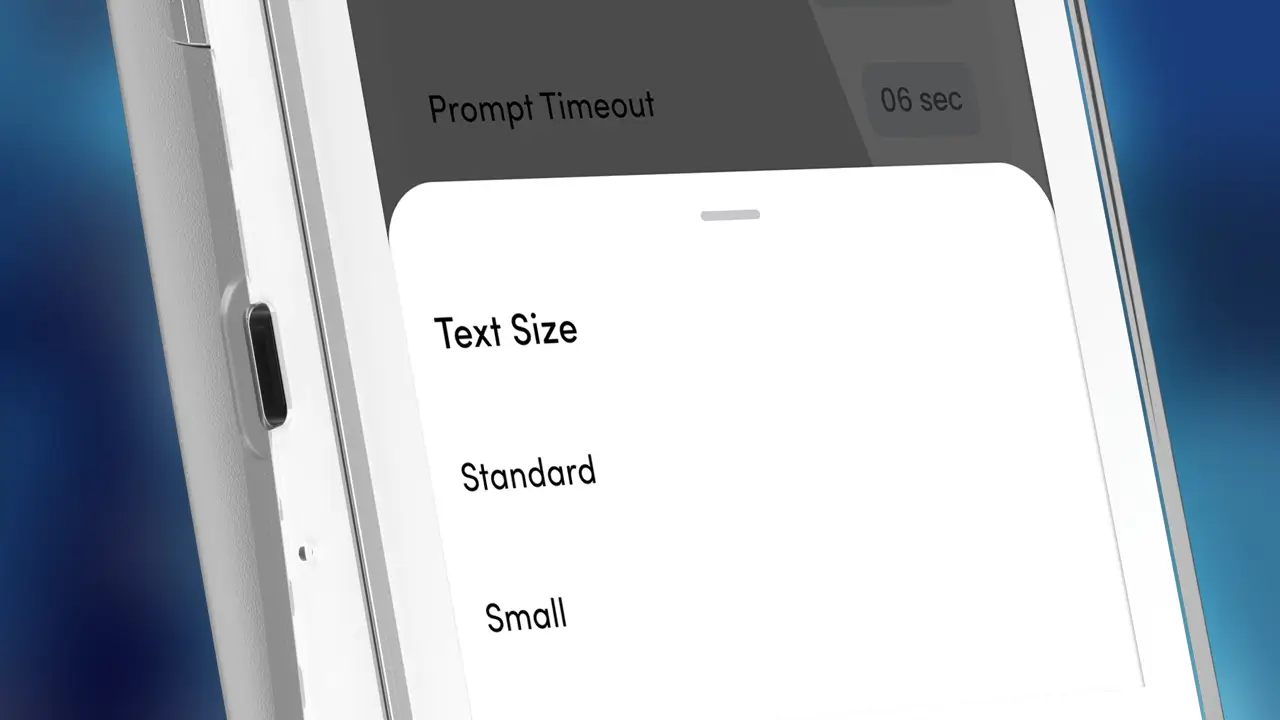
You can toggle between the receipt printer font size (small/large) by following these steps on your terminal while in the idle screen:

  1. Press Menu
  2. Select Miscellaneous (7)
  3. Select Printer option (3)
  4. Select Printer Font (2)
  5. The current font terminal will display
  6. Press YES to toggle between font size
  7. Press CANCEL twice to return your idle screen

Save Time and Money with Shift4!

Every day, our Aussie Payment Specialists help businesses like yours switch to a payment solution tailored to their business. Let’s chat about your payment needs today.
© 2026 Smartpay Australia PTY LTD (ABN 79 120 473 823) trading as Shift4. Payment services are settled via our licensed partner, Cuscal Limited (AFSL 244116).
Terms & Conditions Privacy Policy